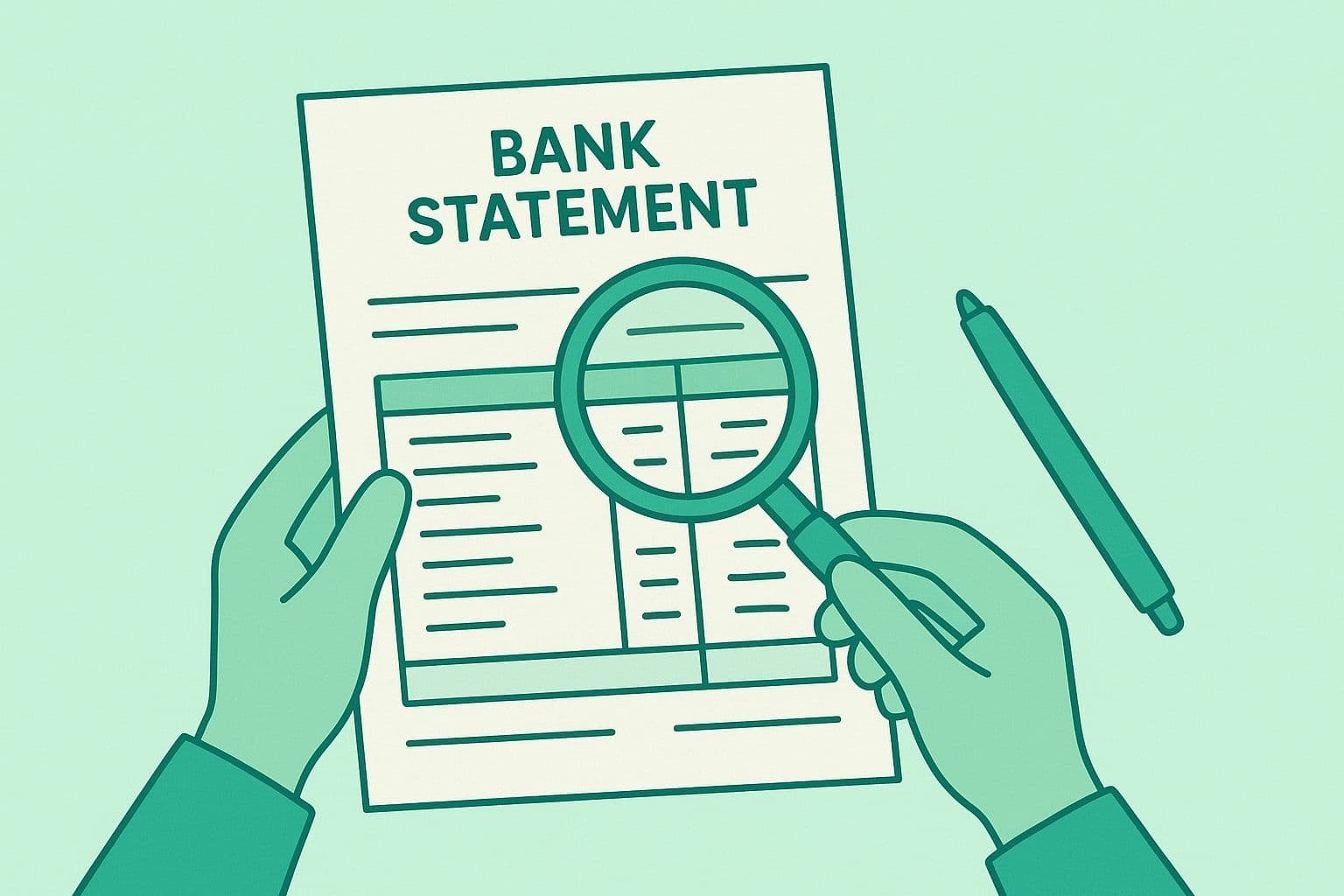
How to Print a Bank Statement
The short version: You can print a bank statement four ways: from online banking, your bank's mobile app, an ATM, or in person. Online banking is fastest: open the Statements or Documents tab, download the PDF, and print that PDF. For an official copy, a self-printed PDF is not enough; ask a teller for a stamped one.
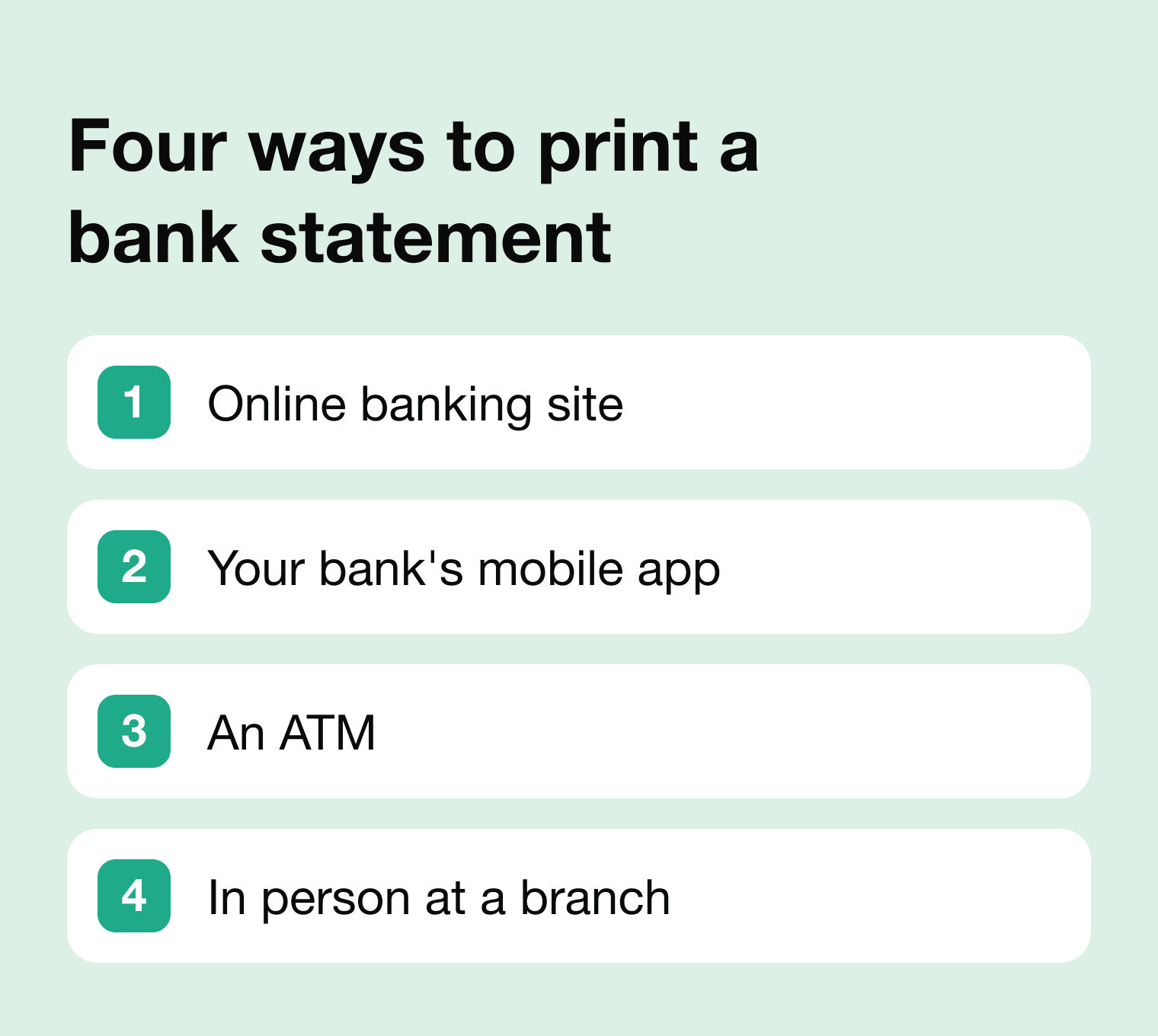
Which method you choose depends on what the statement is for and how far back it goes. For a recent copy you can act on today, log in to online banking and print the PDF yourself; it is the fastest route and reaches back 1 to 3 years.
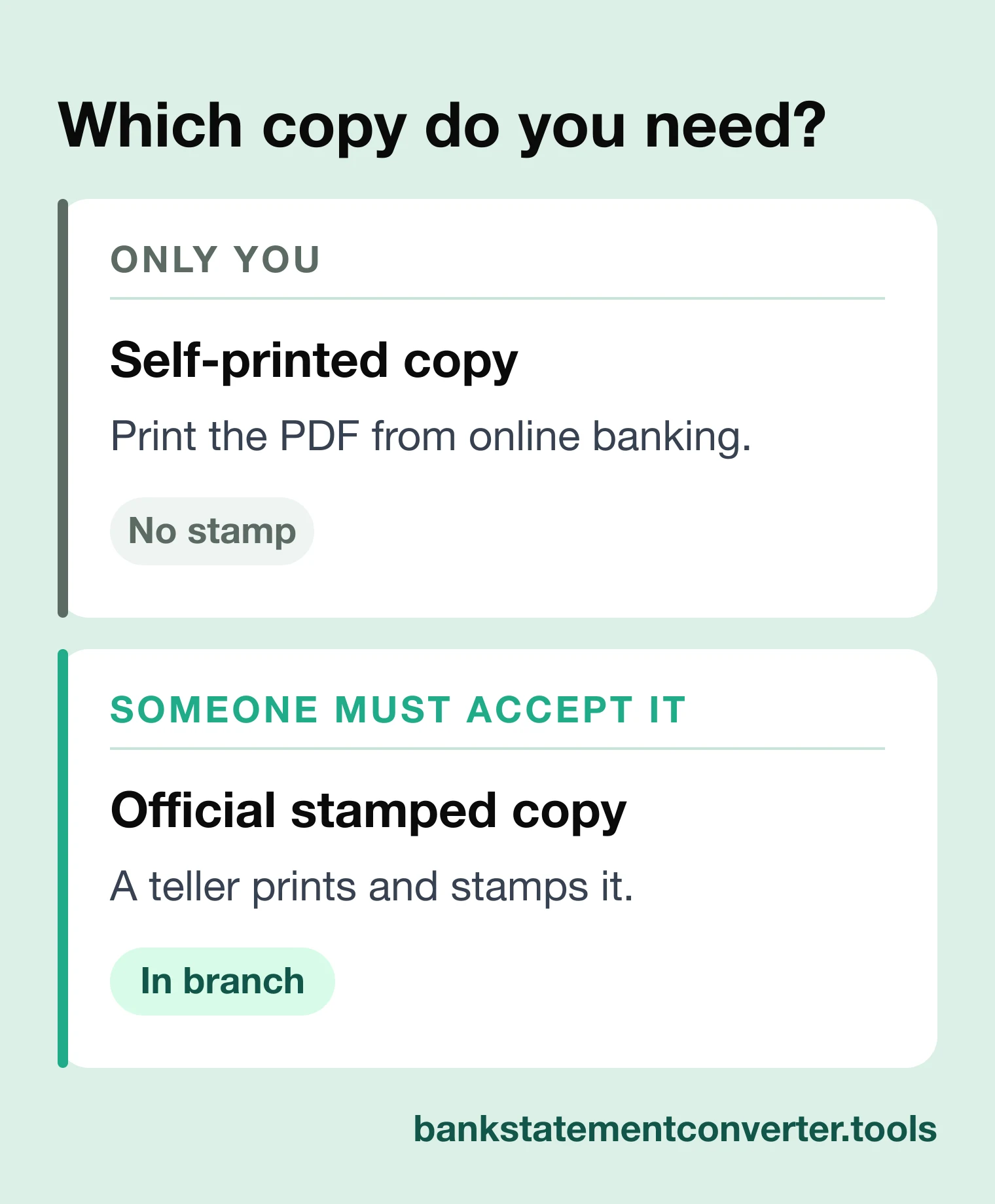
An ATM prints only a short mini-statement of recent transactions, useful as a balance check but not always accepted as proof for a lender or landlord. When an organization must accept the document as official, that self-printed copy is not enough: ask a teller at a branch for a stamped copy. Older records are often no longer available as a downloadable PDF.
Method 1: Print a Bank Statement from the Online Banking Site
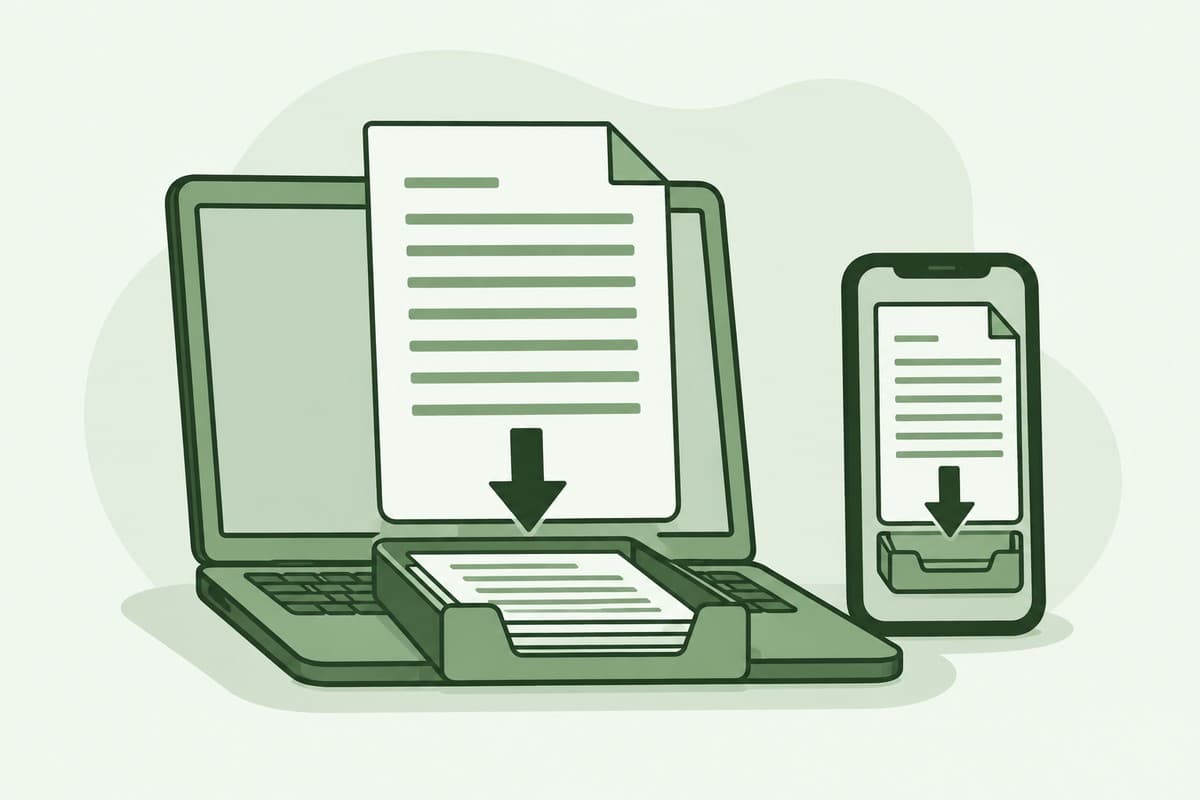
Printing from your bank's online banking site is the fastest route for most people. Once you log in, recent statements sit under a Statements or Documents area as downloadable PDFs. Pick the period you need, save the PDF, and print it.
- Go to your online banking portal and login with your credentials.
- Go to "Statements" or "Documents." Look for tabs like Accounts, e-Statements, or History.
- Select the statement period. Choose the month/date range you need.
- Download the bank statement and save the file to your device as a PDF.
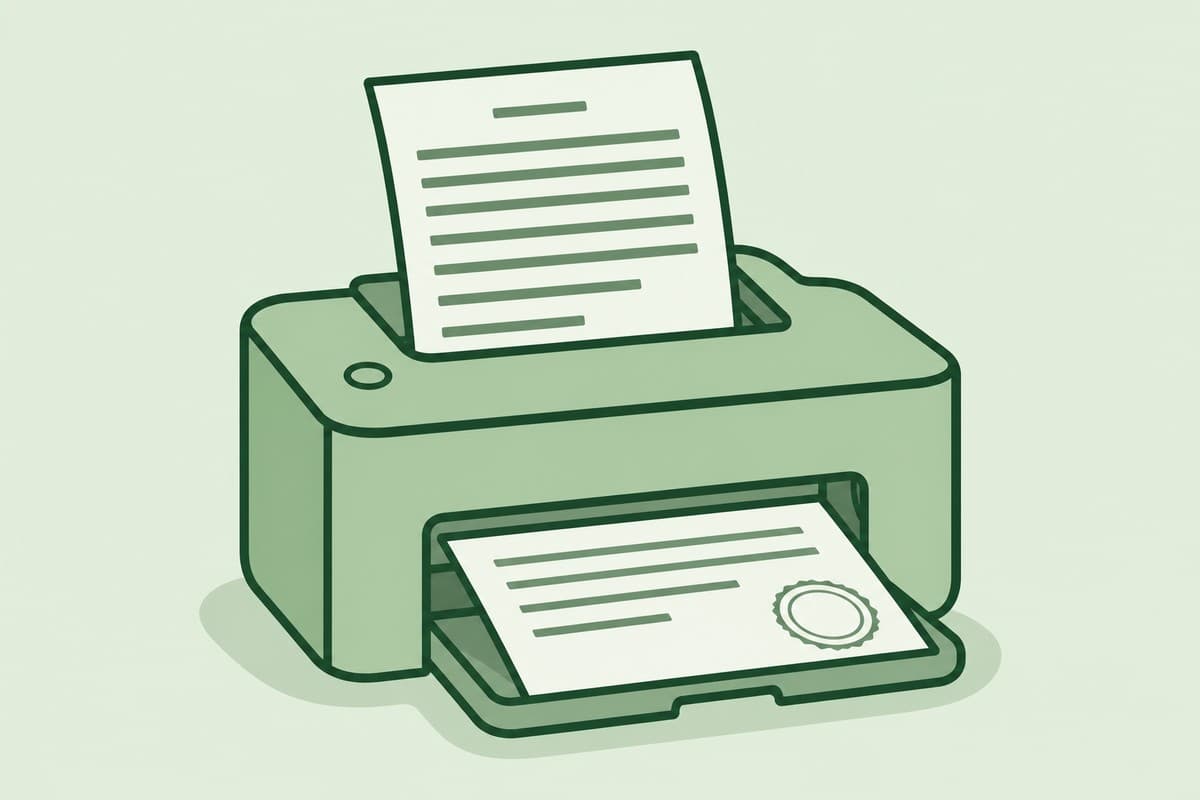
- Open the file, click Print, and select your printer.
Pro Tip: Use “Save as PDF” when printing to keep a digital backup!
Method 2: Use Your Bank’s Mobile App
Your bank's mobile app can print a statement from your phone. Open the app and log in, find Statements or Account Services, and download the statement you need. Send it to a wireless printer, or email the PDF to yourself to print elsewhere.
- Open the app and log in.
- Tap Statements or Account Services.
- Select the statement and download it.
- Use a wireless printer or email the PDF to yourself for printing.
Note: Some apps let you request mailed statements directly.
Method 3: Visit an ATM
Many ATMs print only a short mini-statement of recent transactions, not the full monthly document that a lender or landlord expects. Treat the printed slip as a quick balance check; it isn't always accepted as an official record.
- Insert your debit card and enter your PIN.
- Choose View Statements or Print Recent Transactions.
- Select the account and date range.
- Collect the printed receipt.
Method 4: Request a Statement In-Person
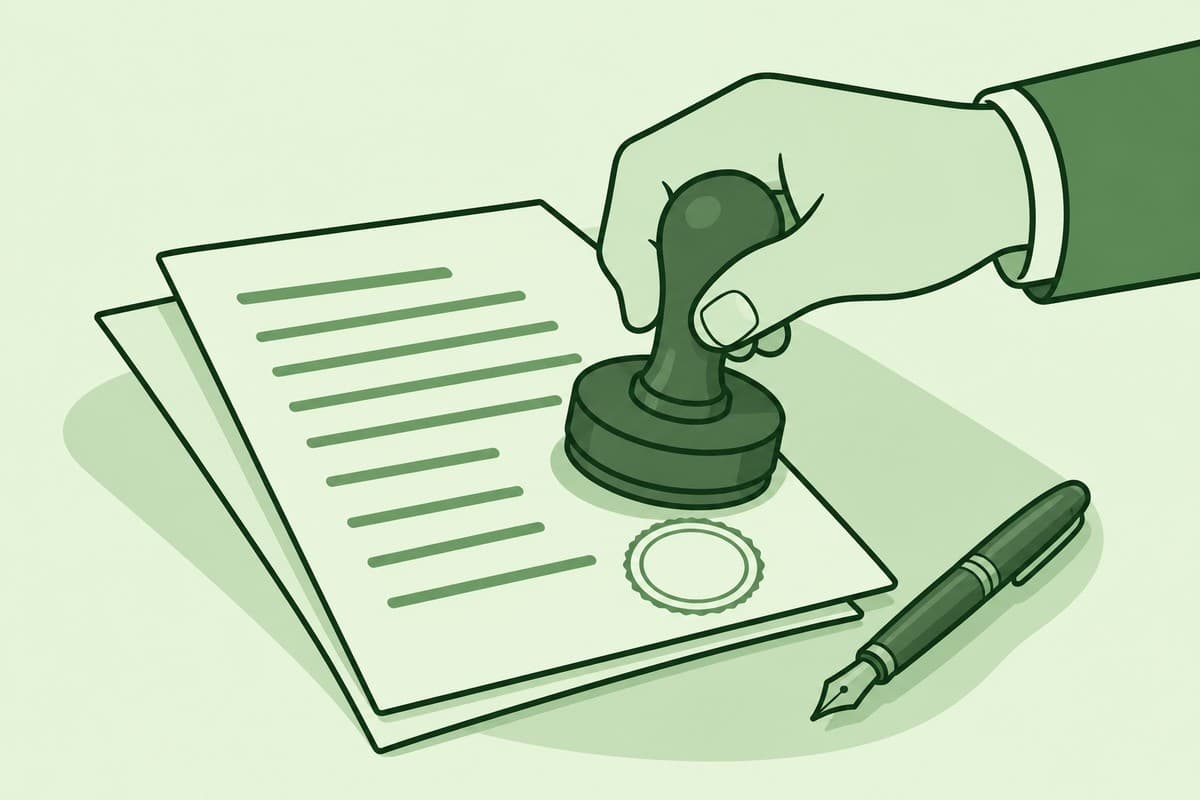
Going into a branch is how you get an official, bank-stamped statement. An organization wants this version when it must verify the document with the bank itself. A teller prints and stamps it on the spot, and some banks charge a small fee.
- Visit your bank branch with a valid ID.
- Ask a teller for a printed statement (some banks charge a fee).
- Verify the document includes the bank’s seal or stamp.
Why You Might Need a Printed Bank Statement
Anything you print yourself is unofficial: when a lender or landlord must trust the copy, ask a teller to print and stamp it.
Before you print, decide whether you need an official copy or an unofficial one. A self-printed copy is fine for personal records and many first checks. An official certified bank statement carries the bank's stamp or seal, requested in branch.
Bank statements are often required for:
- Loan or mortgage applications
- Visa or immigration processes
- Tax filing or audits
- Renting an apartment
- Personal budgeting
In the UK, a certified statement has to be on the bank's own stationery, and an electronic statement needs a certified letter or a stamp on every page.
How far back can you print bank statements?
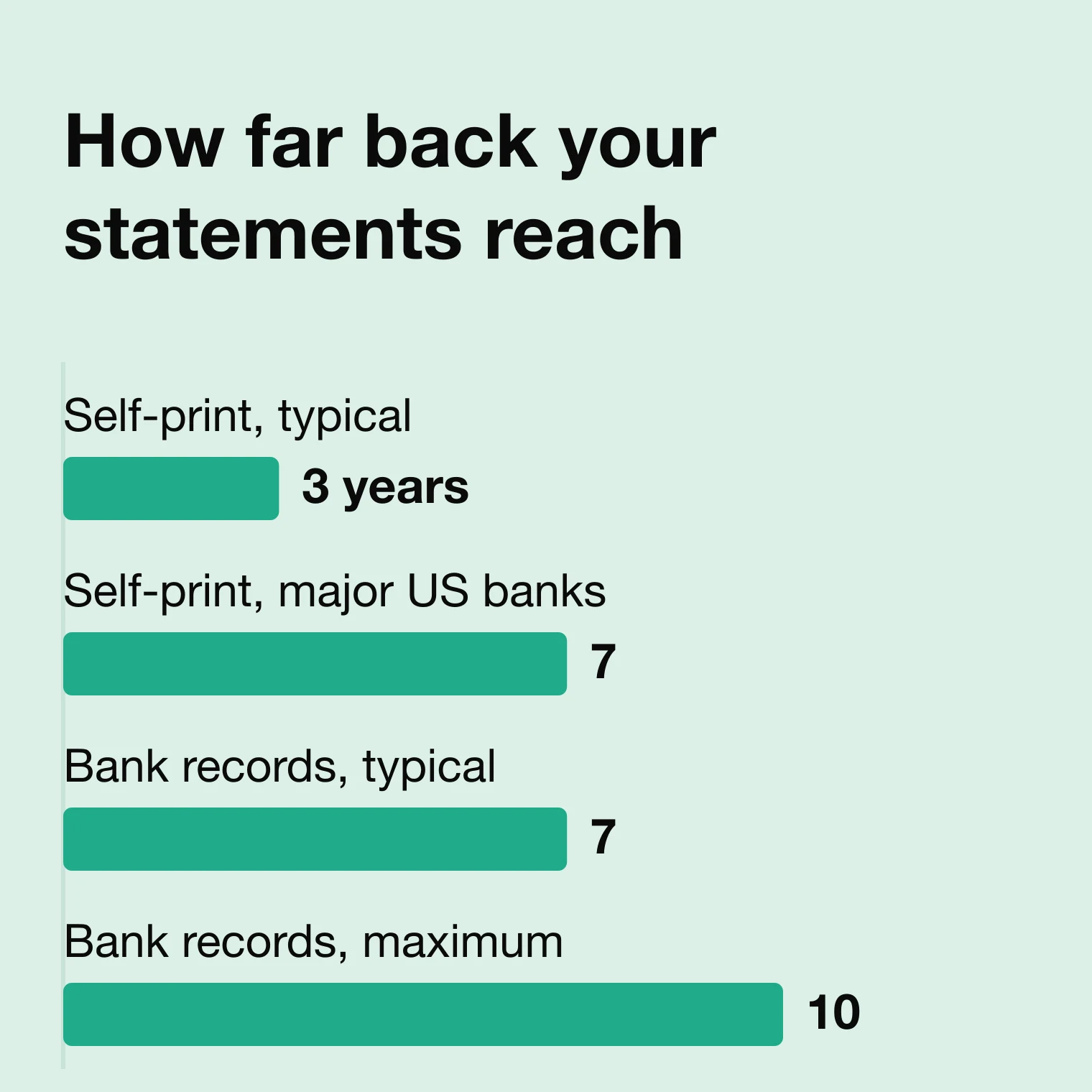
Most online banking portals let you print the last 1 to 3 years, and up to 5 to 7 years at major US banks. Banks keep their own records longer, commonly 7 years and sometimes 10, and regional banks 3 to 5 years. For older statements, request an archived copy in branch.
Your online banking window is shorter than the bank keeps its records. Older statements still exist, but reaching them means asking a branch to pull an archived copy, sometimes for a fee.
Troubleshooting Common Issues
- Can’t log in online? Reset your password or contact customer support.
- Missing transactions? Ensure you’ve selected the correct date range.
- Printer issues? Save the PDF first or use a USB drive to print elsewhere.
A locked PDF is another common print failure. If the print button is greyed out, or your only option is Save to PDF, the bank has restricted the file.
- Greyed-out or save-only print? Save the statement to your device, reopen it in a standalone viewer like Preview or Adobe Reader, then print.
- Password-protected statement? Some banks lock the PDF. Enter the password when prompted, then print as normal.
Tips for Printing Bank Statements
How you print and store a statement matters as much as getting the copy. A clean, legible printout on the right paper looks credible when reviewed. The bank's watermarks and stamps show it is genuine, and careful disposal protects your account details.
- Always check for watermarks, stamps, or letterheads for official use.
- Use black ink and standard paper (8.5” x 11”).
- Shred old statements to protect your data.
Frequently asked questions
A few of the same questions come up whenever you print a bank statement. A copy you print yourself works for personal records and most first checks. Anything an organization must accept as official still means a stamped statement from your bank.
Can I print my bank statement at home?
Yes. Download the statement as a PDF from online banking or your bank's app, then print it on any home printer. You only need an ATM or a branch for an official stamped copy.
Is a printed bank statement valid for a loan application?
Sometimes. A copy you print yourself is often fine for an initial check, but many lenders want an official or bank-stamped statement. Confirm what the lender asks for first.
Can I use a printed bank statement as proof of address?
Often. Many organizations accept a recent statement, usually one from the last few months. Some want an original stamped copy or one the bank mailed, so check with whoever is asking.
How do I get several months of bank statements at once?
In online banking, choose a custom date range or download each monthly PDF in turn. If a statement predates your online history, request it from the bank, since some banks won't let you self-print records that old.
Do I need special software to print a bank statement PDF?
No. Any PDF viewer prints one, including your web browser or Preview. You only need a separate tool if the bank locked the file or you want the figures as editable data.
Can I turn a printed bank statement into an Excel spreadsheet?
Not from paper directly. A printout or PDF holds your transactions as text or an image, not as spreadsheet rows you can sort. To get editable data, convert the PDF with a tool like BankStatementConverter and import statements into Excel.
Conclusion
Which route you choose comes down to what the statement is for. A copy you print yourself suits personal records and most first checks, while loans, visas, and official requests usually need a stamped one. Store each printout somewhere safe.