How to download a bank statement
In short
- Log in to your bank's site or app, open the Statements or Account Services area, pick the period and download the file as a PDF.
- Most banks keep between 18 months and seven years of statements available online, and a few reach further back or stop sooner.
- If the download button asks for a password, statement PDFs at some banks open with a code the bank sets.
Knowing how to download bank statements online comes down to the same five steps at almost any bank, whether you work in a browser or in the app. What changes from bank to bank is the label on the menu and how far back the statement list goes.
- Log in to your bank's platform.
- Select your account.
- Navigate to "Statements" or "Account Services."
- Choose the statement period, usually a date range or a list of years.
- Download as a PDF.
Most banks deliver the file as a PDF bank statement, and many offer CSV in the same menu. To download bank statements for more than one account, repeat the steps for each account. Portals rarely bundle them into a single file.
The same route works in most banking apps: open the account, tap Statements, then pick a period. If the Statements area is empty, the account may never have been switched to paperless. Fix the enrolment first, then download.
Why can't I download my bank statement?
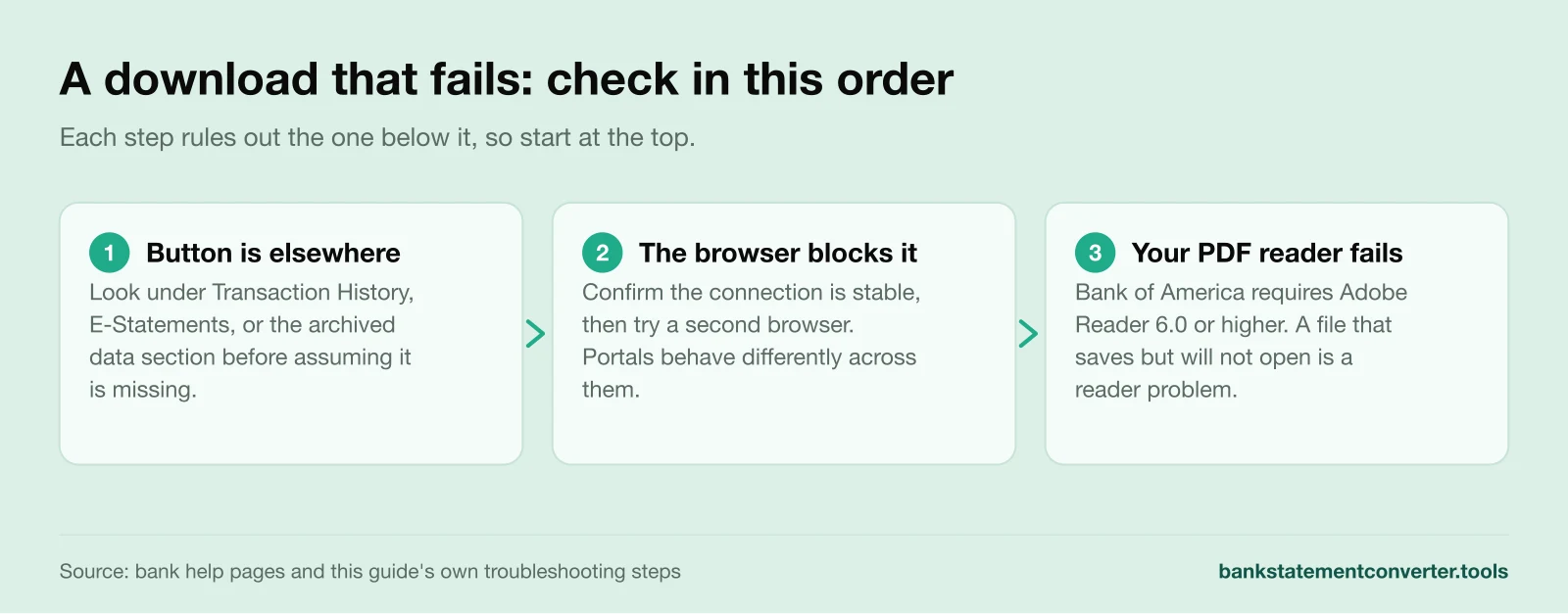
Most failed downloads trace to one of three things: the button sits under a different menu label, the browser blocks the file, or your PDF reader cannot open what you saved. Work through them in that order, and if none of it helps, your bank can send the statement another way.
Can't Find the Download Option
If you can't see where to download your statement, try these methods:
- Look Elsewhere: The Download button often sits under "Transaction History" or "E-Statements", or in the archived data section.
- Use the Website: If the app isn't working, try your bank's website.
- Ask for Help: If neither works, call your bank's customer service.
Download Errors
If you can't download your bank statement, start with these three checks:
- Check the Internet Connection: Confirm the connection is stable before you retry.
- Use a Different Browser: Portals behave differently across browsers, so try a second one.
- Check Your PDF Reader: Bank of America states that statement PDFs need Adobe Reader 6.0 or higher, which is one reason a saved file can refuse to open.
A statement that downloads but will not open is usually one of two problems, and they need different fixes. Either the file is password protected, or your PDF reader is too old for it.
Encryption at the bank's end is what those three checks miss. Indian Overseas Bank issues its e-statements password protected as standard. SBI's YONO statements need the first four characters of your name in uppercase, then your date of birth as DDMM.
The symptom tells you which one you have. A file that prompts for a password is not corrupt, and a newer reader will not open it. A file that opens blank with no prompt is the reader problem.
Password schemes differ from bank to bank. If neither pattern fits yours, the bank's own statement email or help page will carry it.
Not every fix is yours to make. A locked-down work browser or an old PDF reader may need whoever manages the computer.
If you download bank statements one month at a time, merge the files before importing. Once you’ve downloaded your statement, you can import it into Excel and sort the transactions by date or category.
Security tips when downloading bank statements
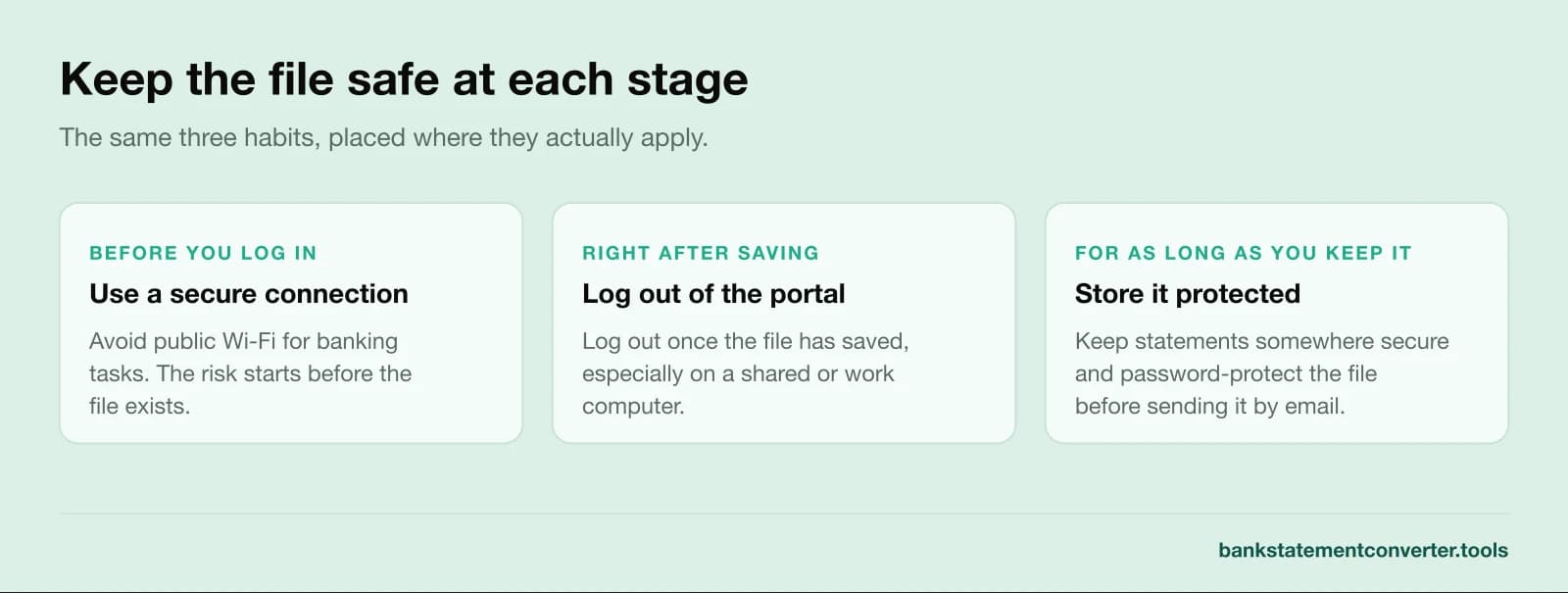
Your banking information is sensitive, so treat the downloaded file with the same care as your login.
Here's how to stay secure when downloading bank statements:
- Use a Secure Connection: Avoid public Wi-Fi for banking tasks.
- Log Out After Downloading: Log out once the file has saved, especially on a shared computer.
- Keep Statements Safe: Store downloaded statements somewhere secure and password-protect the file, especially if you plan to send them by email, where extra care matters.
- Verify statements: In some special cases, you may need to verify a bank statement to ensure it is genuine and free from alterations.
Alternative Ways to Access Your Bank Statement: Using an ATM
If you don't have a laptop, many banks let you print a recent transaction summary at an ATM.
To do this, insert your card at an ATM, enter your PIN, and look for an option like "Print Statement".
ATM slips cover only recent transactions. For an official submission you usually need a full online statement or a certified bank statement.
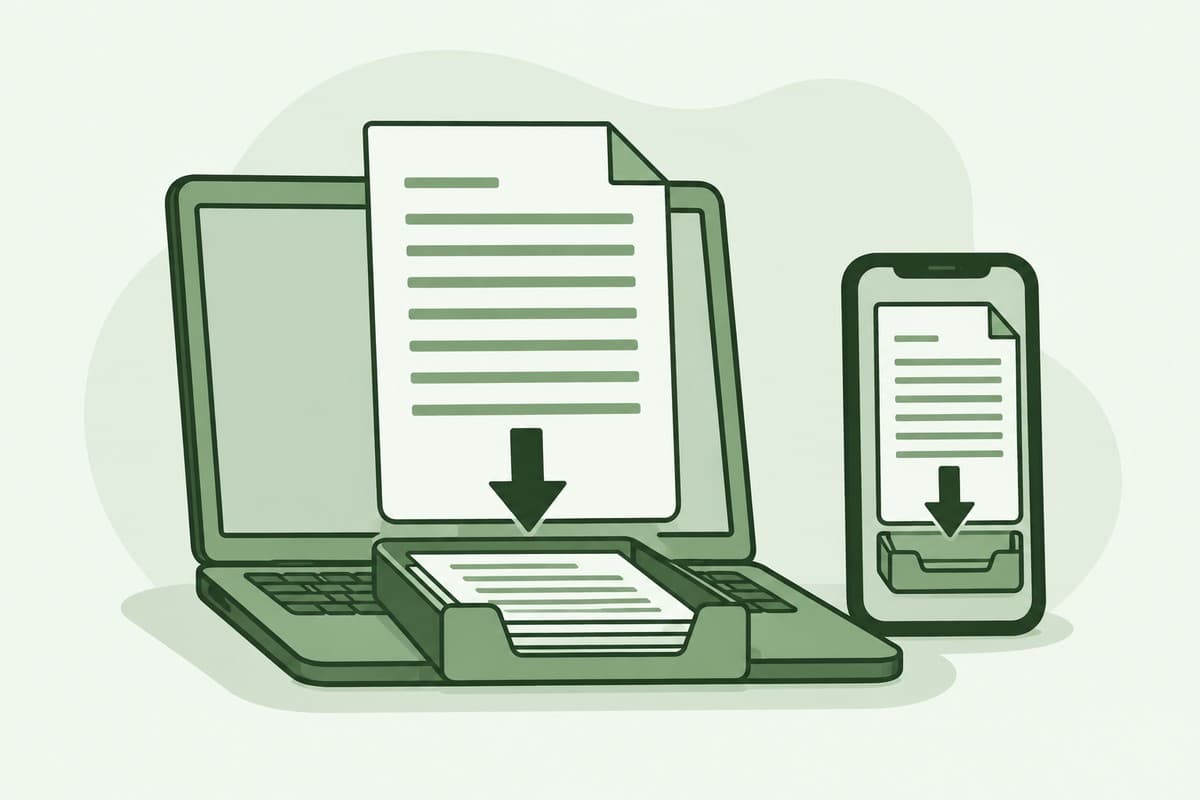
A phone is usually closer to hand than a laptop. The app gets you the same PDF, with its own limits.
How do I download a bank statement from my mobile app?
Open your bank's app, sign in and select the account, then look for Statements or e-Statements and pick the period you need. The file saves to your phone as a PDF, the same one the web portal gives you, so anything you do with it afterwards works the same way.
- Sign in to the app.
- Select the account you need.
- Open Statements or e-Statements.
- Choose the period.
- Save or share the PDF.
Menu labels move around between apps. When nothing says Statements, the website usually has the same file under another name.
Apps rarely bundle several months into one file. When you need a long run of statements, or a CSV, open the same account in a browser.
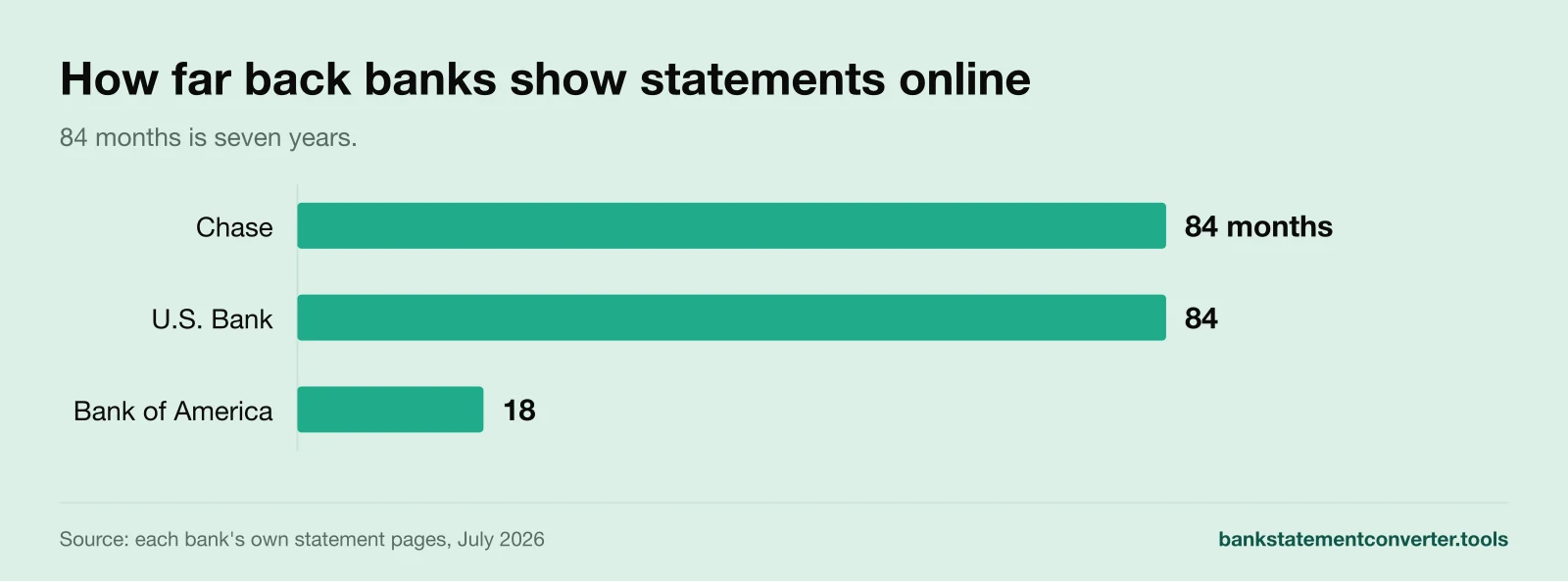
For an SBI statement download, open YONO, select the account, then pick Account Statement, set a date range and tap Download PDF. U.S. Bank keeps app statements in the same digital banking area as its website, with seven years of e-statements available.
Some banks send the app's PDF password protected. That is the locked-file case above, not a failed download.
Once the file is on your phone you can read the statement there, though the columns are cramped.
Investment accounts differ: a brokerage statement may use a different layout and download menu.
How far back can you download bank statements?
Most banks show between 18 months and seven years of statements online, though not all. The window is set by your bank, not by any rule. Chase and U.S. Bank both publish up to seven years, depending on the account type. Bank of America stops at 18 months, so the same request lands differently at each bank.
Indian Overseas Bank caps online statements at six months. State Bank of India goes the other way and holds ten years through internet banking.
How long a bank keeps your records and how long it shows them online are two different numbers. Under the Bank Secrecy Act, banks must retain most records for at least five years. A statement that has rolled off your online view often still exists, and support can pull it.
Open the period selector before you assume a limit. Portals commonly offer a year or a full date range. Assuming a three or six month cap is what sends people to a branch they did not need.
At Chase the seven-year figure is set per account type, so two accounts at the same bank can expose different histories. If you need a long run for a loan file or an audit, pull it before the window rolls.
How do I get a bank statement if I can't download one?
When the download route fails, you can still get a bank statement by asking the bank directly. Call support or visit a branch. You can also request a mailed copy from inside online banking. Printed copies carry a small fee, and records older than the online window are handled the same way.
Check the enrolment first. If the account was never switched to paperless statements, there may be nothing in the portal to download at all. That is a different problem from a broken download button.
The routes differ by situation:
- Phone support is best when the statement exists but will not download. The agent can post or email a copy.
- A branch visit is the route for a closed or transferred account. Bring identification and the account number.
- A mailed copy ordered from online banking appears as a request option next to the download list at several banks.
Banks commonly charge roughly $1 to $3 for a printed or mailed copy, so cost rarely decides this. Bank of America charges nothing at all for statements older than its 18-month online window.
Turnaround does. A download is instant and a branch is usually same day. An archived copy there arrives electronically in 24 to 36 hours, or on paper in 7 to 10 business days.
Ask for copies of your bank statements by phone if the account is still open. Pick the route by the deadline you are working to.
FAQs
How to Download a Bank Statement in a CSV/Excel File?
If your bank offers statements in CSV/Excel, follow these steps:
- Select your account.
- Access the "Statements" section.
- Look for a format option within the statements section.
- Download the CSV bank statement.
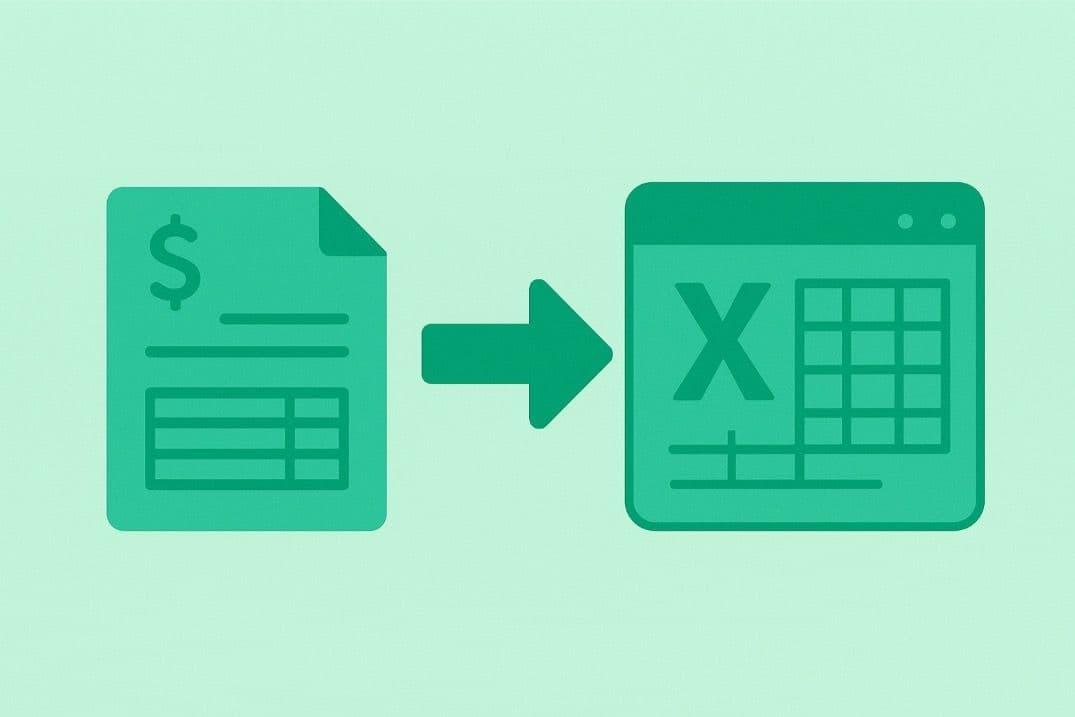
If your bank only lets you save bank statements as PDF, you can use a converter tool to turn the file into CSV or Excel after you download it, including tools that use OCR for bank statements for scanned or image-based documents.
BankStatementConverter is one of them: you upload the PDF statement and get back a CSV or Excel file, and multi-page statements are handled in the same upload.
How to Download 3 and 6 Months Bank Statements?
You can download 3 and 6 month bank statements from the same Statements area as any other period: set the start and end dates in the range selector.
- After logging in, select your account.
- Go to "Statements".
- Click the dropdown and pick your period. Most banks list ranges longer than six months, and the limit is set by the bank.
- Download your statement.